
Send Digital Cases
Submit intraoral scans or CAD files for crown, bridge, implant and appliance cases, with the file, bite and shade records the laboratory needs before design review.
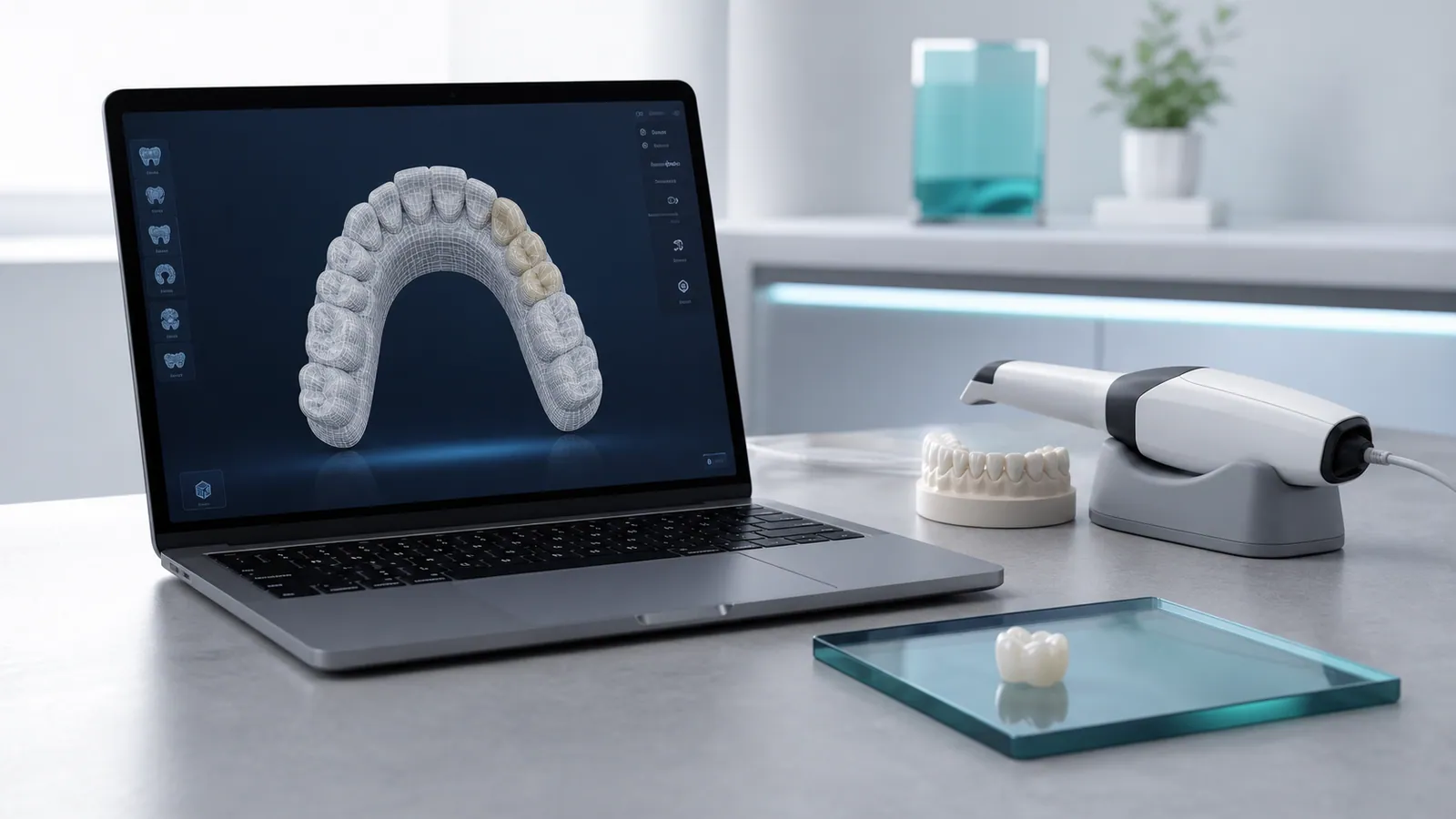
Cases that arrive as digital files move through a single, documented review path before any design work starts. This page explains what a digital submission contains, how the files are checked, and how the same form is used whether the case is a single crown or a multi-unit framework.
When to Use the Digital Path
Choose the digital path when the case can be captured by an intraoral scanner or an in-office CAD system, when the margins are visible in the scan, and when the bite can be recorded digitally or transferred from an existing record. Digital submission removes impression distortion and shipping time for physical models, and it lets the laboratory open the case, check the margin, and confirm the design plan on screen before production begins.
- Single crowns, bridges and inlays captured with an intraoral scanner
- Implant cases where the scan body is captured in the same scan
- Full-arch and multi-unit cases planned from an approved digital design
- Appliance and retainer cases built from digital arch records
Accepted File Formats
The laboratory works with open, non-proprietary formats so the case is not tied to a single scanner or software package.
- STL for the prepared arch, opposing arch and bite
- PLY or OBJ where the scanner exports mesh with colour
- Scans that keep the margin line continuous and free of holes
- Files exported at a resolution that preserves margin and occlusal detail
Where a scanner uses a native format, the case is exported to one of the open formats above before submission so the design seat can be validated.
What to Include With a Digital Case
A complete digital submission shortens the review stage and reduces the chance of a remake. The following records travel with the files.
- A completed laboratory prescription: restoration type, tooth numbers and material
- The prepared arch, the opposing arch and a bite record
- Shade specification and a reference photo or shade tab where shade matching is required
- Implant system, platform and scan body details for implant cases
- Any special instructions: anatomy, surface texture, contacts or occlusion
Implant and Scan Body Cases
Implant cases are supported when the restorative platform is identified. The submission should state the implant system and connection type, and the scan body should be captured in the same scan as the arch so the digital analogue can be aligned in the design software. The abutment or custom abutment plan is confirmed with the requesting clinician before the crown design is finalised.
How the Digital Review Works
Once the files and prescription are received, the case moves through a short, defined sequence.
- The submission is checked for complete records and readable margins.
- The design is reviewed against the prescription before production.
- Any record or margin issue is raised with the requesting clinician rather than assumed.
- The case proceeds to production with the confirmed design and material.
Related Submission Path
Cases that cannot be captured digitally are handled through the traditional submission path, which accepts impressions and physical records. Both paths use the same review form, and the laboratory confirms which route fits the case before work begins.