Digital Denture Support
Digital denture workflows supported from records through setup review, with bite, shade and fit confirmed before final production.
Details at a Glance
| Restoration type | Removable — digitally designed denture |
|---|---|
| Material options |
|
| Design options |
|
| Commonly considered for |
|
| Records to supply |
|
| Quality focus |
|
| Turnaround | Digital denture timing depends on record quality and any try-in stage requested. |
What Digital Denture Support Is
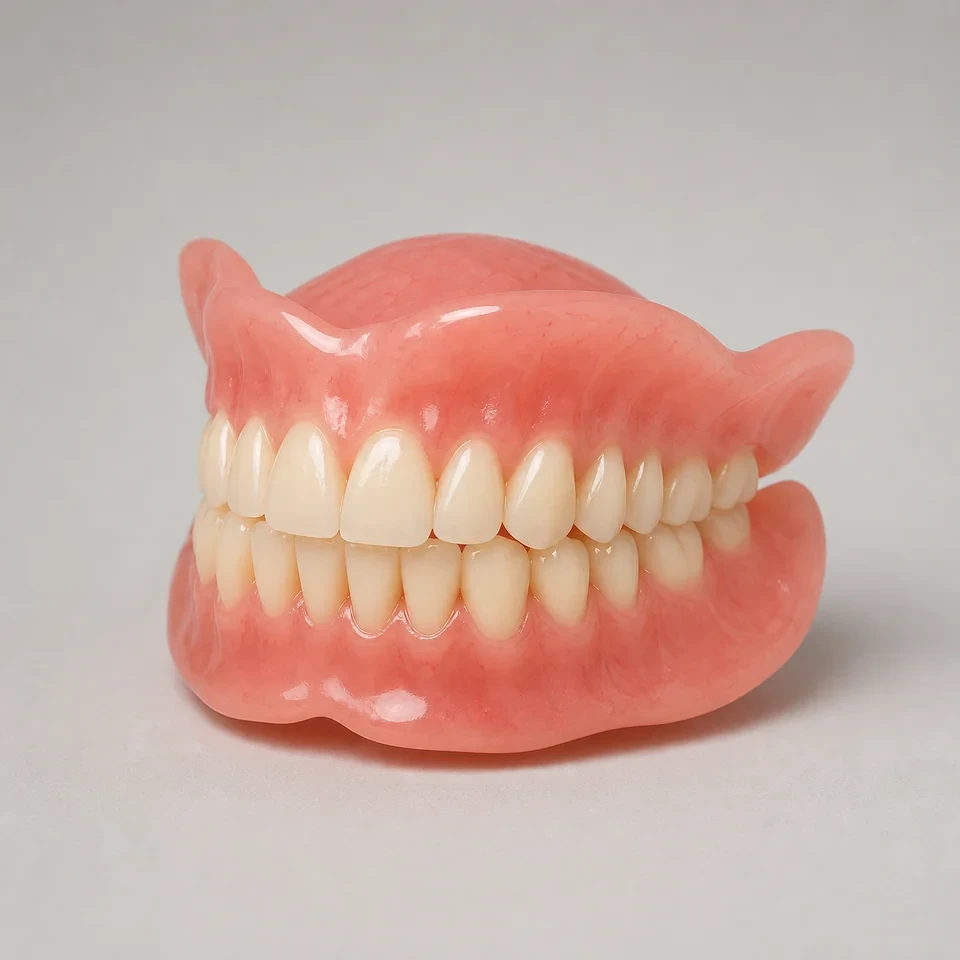
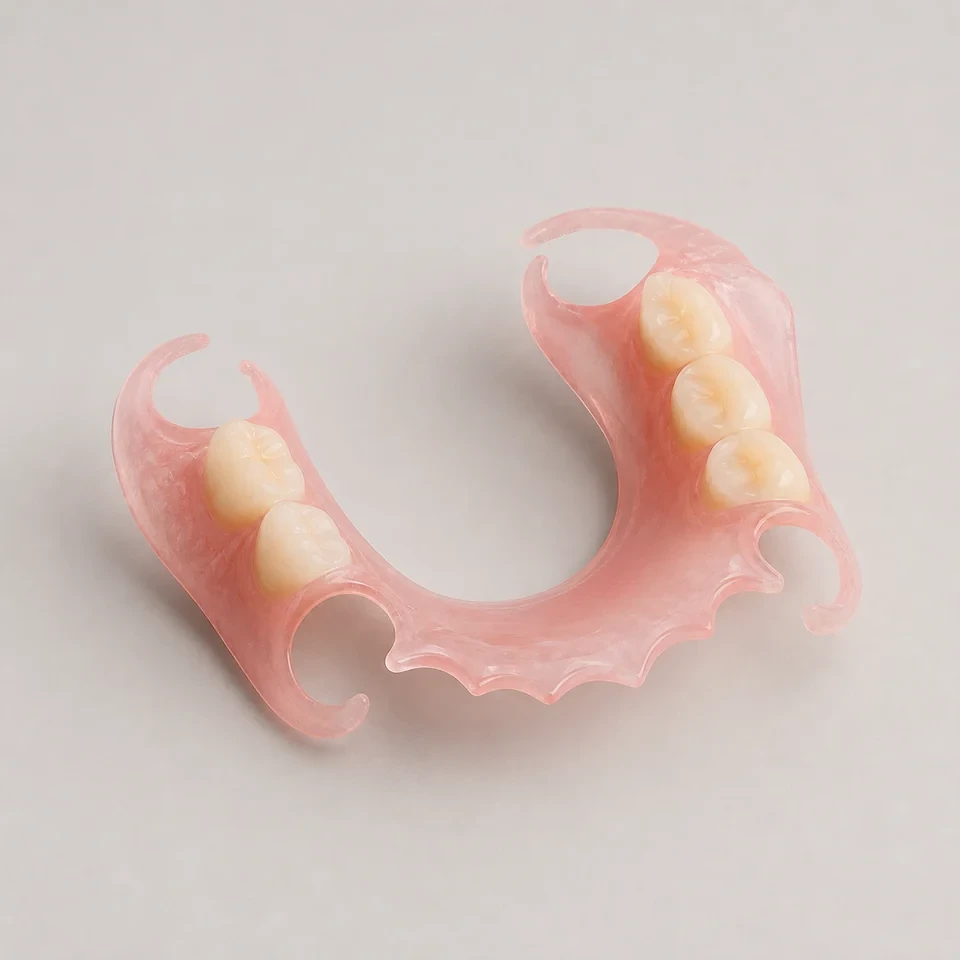
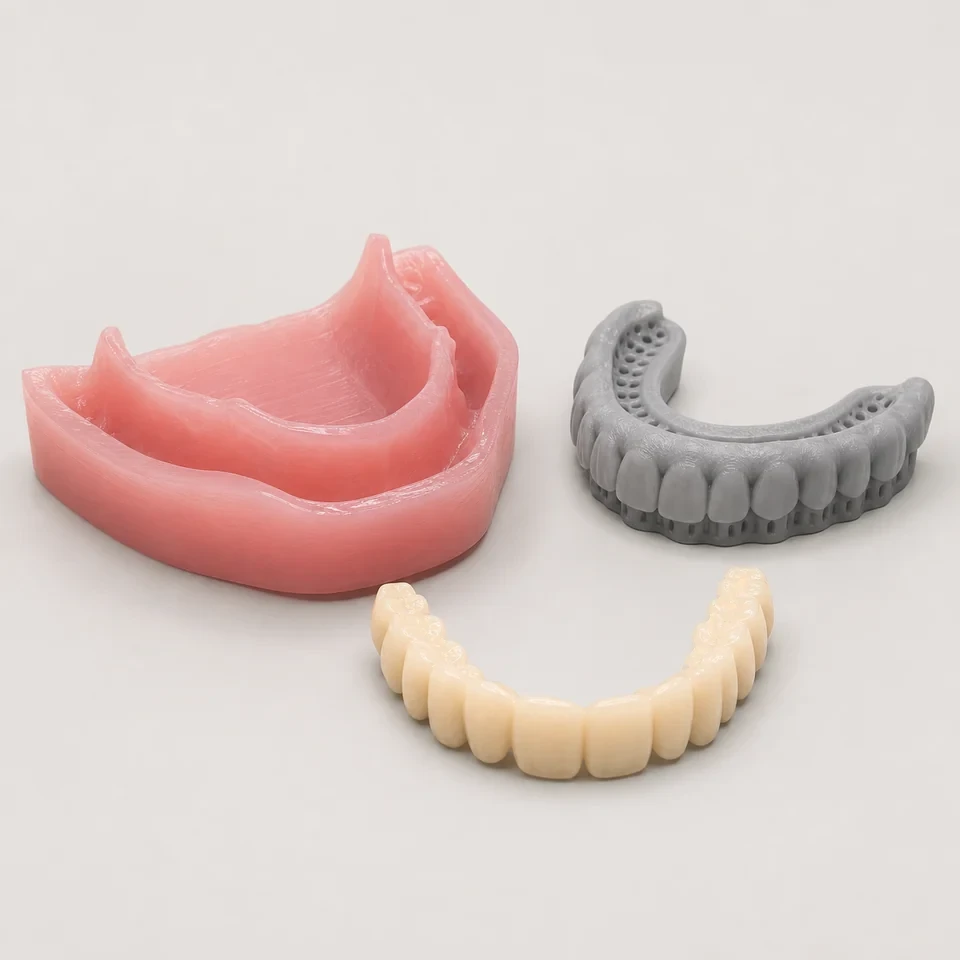
A digital denture lab China workflow uses scanned or digitally designed records to plan and produce complete or partial dentures with a digital tooth setup reviewed before final production. KC Dental Lab supports this process from records review through setup approval, confirming bite, shade and fit before the base is finished. Digital planning allows the tooth arrangement to be checked and revised on screen, which can reduce avoidable physical try-in stages where records permit. Each case is built around the submitted scans and the clinician’s prescription rather than a generic template, and the digital denture lab China approach keeps the setup reviewable before any base material is committed. Where an existing denture is available, its scan can seed the new arrangement so a replacement follows the patient’s established appearance and occlusion. The clinician retains control of the tooth setup and can approve or request changes before any base material is committed to production.
Who It Suits
This service suits clinicians and laboratories that already capture digital impressions or want to modernise denture production with a reviewable digital setup. It is useful for practices managing remote or multi-location patients and for distributors coordinating replacement dentures from existing data. The workflow also helps laboratories balance peak demand by moving the design and review steps into a digital environment before physical production. By agreeing the setup in advance, the requesting party reduces the risk of esthetic or occlusal revisions late in the process and keeps the clinical plan under its own control. The approach is equally relevant for first-time digital denture cases and for converting a satisfactory conventional denture into a digital reference for future repeats.
- Clinics using intraoral or desktop scanners for edentulous arches
- Laboratories wanting a digital setup review before milling
- DSOs standardizing denture records across sites
- Distributors handling duplicate or replacement denture orders
Indications Commonly Considered
- Complete denture cases planned from digital records
- Partial denture cases with adequate scan detail
- Duplicate or replacement dentures from existing scan data
- Staged try-in denture workflows where records allow
- Cases where tooth arrangement should be reviewed first
- Patients requiring a specific shade and mold selection
Material and Design Options
- Milled acrylic base produced from the digital design
- Printed base options where the workflow supports them
- Denture teeth set in the digital arrangement or bonded after
- Shade and mold selection per the prescription
- Try-in stage supplied where the records permit it
What the Case Needs
- Digital impressions or scans with adequate tissue detail
- Bite registration and confirmed vertical dimension
- Shade and mold selection for the teeth
- Any existing denture reference if available
- Try-in stage expectations, if required
- Stated base material and finishing preferences
Digital Workflow Requirements
- STL, PLY or OBJ scans of the arch to be restored
- Opposing arch and a bite registration for occlusion
- Existing denture scan for duplicates where helpful
- Vertical dimension and centric relation clearly noted
- Setup file or design notes for review before production
Compatibility to Confirm
- Scanner and file format compatibility for the submitted scans
- Whether a milled or printed base is preferred
- Try-in feasibility based on record quality
- Availability of the requested shade and mold
Quality Checkpoints
- Base fit and tissue adaptation on the master model
- Occlusion and confirmed vertical dimension
- Tooth setup, arrangement and esthetics
- Border extension and major connector coverage if applicable
- Finish, polish and surface quality
- Prescription consistency with the approved setup
Turnaround Variables
Digital denture timing is influenced by record quality, the chosen production method and whether a try-in stage is requested. Cases with incomplete tissue detail or unclear bite information may need clarification or additional records before production can begin. Milled and printed workflows have different internal scheduling, and any revision of the digital setup also affects the timeline. Where an existing denture scan is supplied for a duplicate, the arrangement can be confirmed more quickly, but new setups still pass through the same review steps. Reprinting or remilling after a setup change is treated as a separate production event rather than a continuation of the original case. KC Dental Lab schedules each case after the setup is approved and the records are sufficient for finishing, and communicates the expected sequence before production starts.
Common Questions
Can an existing denture be duplicated digitally?
Yes. Where an existing denture is available, a scan of it can be used as a reference for a duplicate or replacement.
Is a physical try-in always required?
Not always. Where digital records are adequate, a try-in may be optional, but it can still be recommended for fit and esthetics.
What if my scan lacks tissue detail?
Insufficient tissue detail can affect base adaptation. KC Dental Lab reviews scans first and may request improved records before production.
Which file formats are accepted?
STL, PLY and OBJ scans are accepted, along with bite and opposing arch records for setup review.
Next Step
Send your digital scans, bite registration and shade preferences so KC Dental Lab can review the setup. You can send a case or start a trial case to validate the workflow. Visit the digital denture lab China page for options or the digital workflow guide for file preparation.